
 how-to
Fix Messy QuickBooks Data for Business
Table of Contents
- Assess Your QuickBooks Data Problems
- How to Fix Unreconciled Transactions in QuickBooks
- QuickBooks Cleanup Checklist for Small Business
- Frequently Asked Questions
Last Updated: September 25, 2026
Assess Your QuickBooks Data Problems
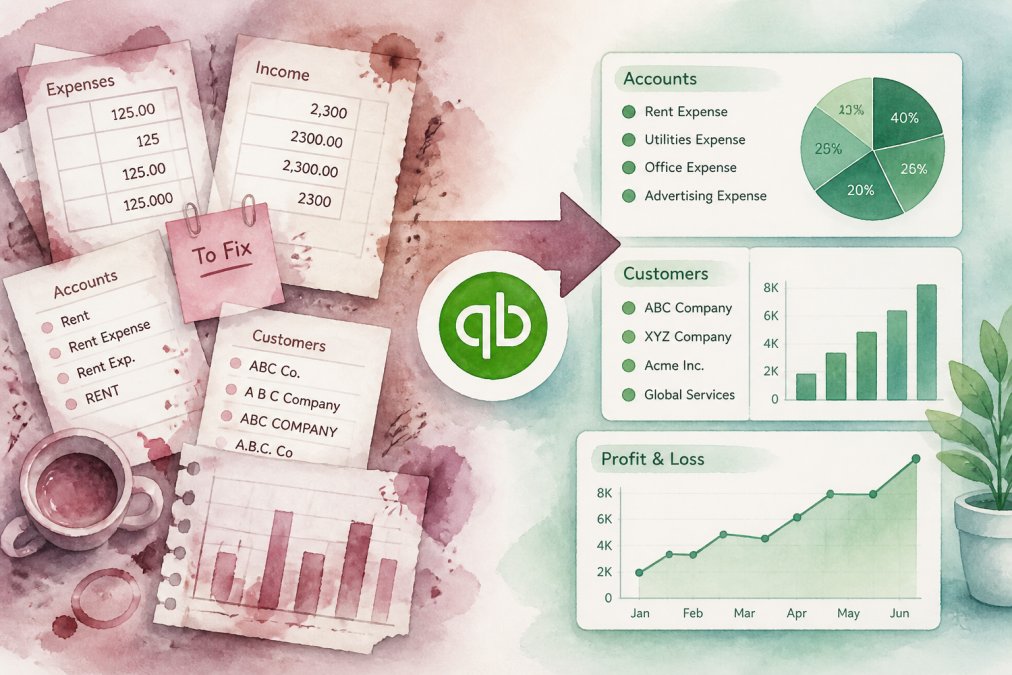
The first step in fixing messy QuickBooks data is understanding what's broken, most issues surface during tax season, loan applications, or investor meetings.
Review your last three months for duplicate entries, missing descriptions, and transactions posted to wrong accounts, the most common problems in the region.
Check: Do bank balances reconcile monthly? Are descriptions vague? Do duplicates exist? Do old invoices show unpaid? Identifying these issues now saves time, start with the biggest problems first.
How to Fix Unreconciled Transactions in QuickBooks
Unreconciled transactions are the leading cause of messy QuickBooks data; mismatches signal deeper problems that compound over time.
Open your bank account, click "Reconcile," and compare balances month by month. Mark transactions as cleared when they appear on your statement; add missing ones and investigate discrepancies.
Watch for duplicate deposits, stale pending checks, unrecorded fees, and duplicate transfers. Once matched, your QuickBooks balance should equal your bank balance, the foundation for fixing messy QuickBooks data.
QuickBooks Cleanup Checklist for Small Business
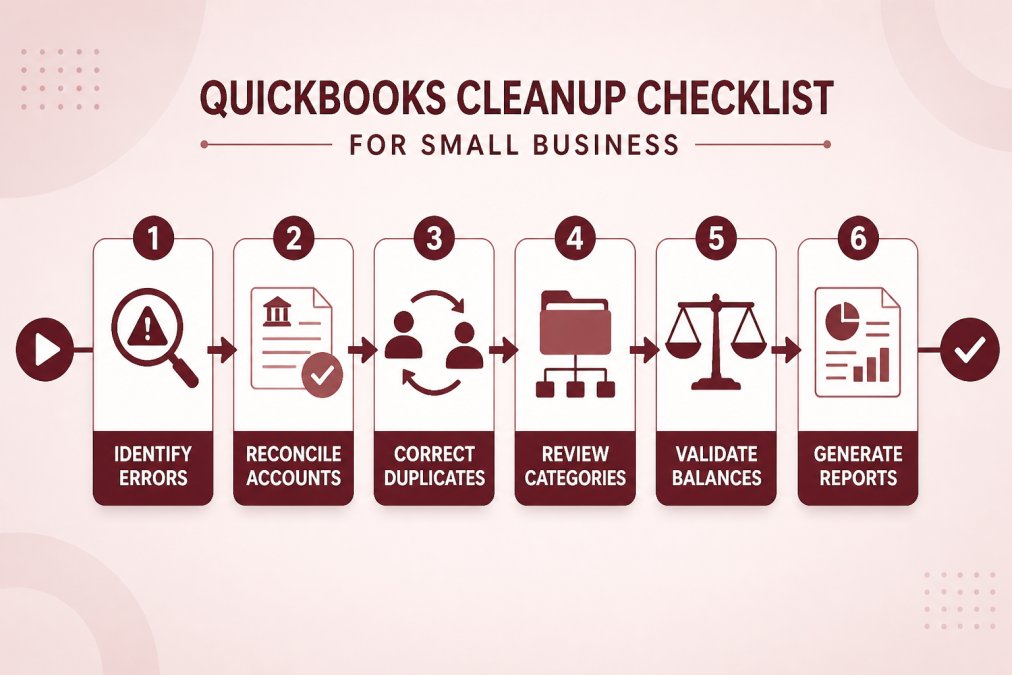
A structured cleanup process prevents problems from returning. This QuickBooks cleanup checklist for small business covers the essential steps to restore order to your data.
Before you start:
- Back up your QuickBooks file
- Block out 2-4 hours of focused time
- Have your bank statements and receipts nearby
- Consider whether you need professional help
The cleanup process:
- Reconcile all bank accounts for the past 12 months
- Review and correct account names and categories
- Delete or merge duplicate customer and vendor records
- Add missing transaction descriptions
- Verify that all invoices show correct payment status
- Check for transactions posted to generic "misc" accounts
- Run a trial balance report and review for unusual items
- Archive old, inactive accounts
If you're overwhelmed by the scope of work, this is where professional guidance helps. At Paldino Company CPA, we work with small business owners in Mamaroneck and throughout the region who need to fix messy QuickBooks data before tax season or before securing financing. We can audit your data, identify what needs fixing, and either guide you through the process or handle it directly.
The goal isn't perfection, it's accuracy. Clean data gives you real insight into your business finances and makes tax preparation, lending, and business decisions far simpler.
Frequently Asked Questions
What are the signs that my QuickBooks data needs a professional cleanup?
Red flags include unreconciled bank accounts lasting months, duplicate transactions, incorrect account balances, misclassified expenses, and missing documentation. If your bank balance never matches QuickBooks, or you cannot explain discrepancies, professional cleanup becomes valuable. Tax filing becomes difficult when data quality is poor, and lenders or investors may question unreliable records. A CPA can assess whether cleanup or ongoing support makes sense for your situation.
Can I fix unreconciled transactions in QuickBooks myself?
Yes, you can reconcile accounts yourself by matching QuickBooks transactions to bank statements. Start with your oldest unreconciled month, verify each transaction, and mark cleared items in QuickBooks. However, if errors are widespread or you lack time, a professional can identify root causes faster. Many small business owners find that professional cleanup prevents future problems and saves time on monthly reconciliation going forward.
How long does a professional QuickBooks data cleanup take?
Timeline depends on data complexity, account history, and how far back errors extend. Simple cleanups may take days; complex situations involving years of messy records can take weeks. A CPA will assess your specific situation during an initial review. Professional cleanup often includes setting up systems to prevent future issues, which adds value beyond just fixing current problems.
Your QuickBooks data directly impacts your ability to make sound business decisions and meet your tax obligations. If your records are messy, the fix is manageable when you approach it systematically. Schedule an appointment with Paldino Company CPA to discuss your specific situation. We'll help you understand what needs attention and create a plan that fits your business needs and budget.