
 listicle
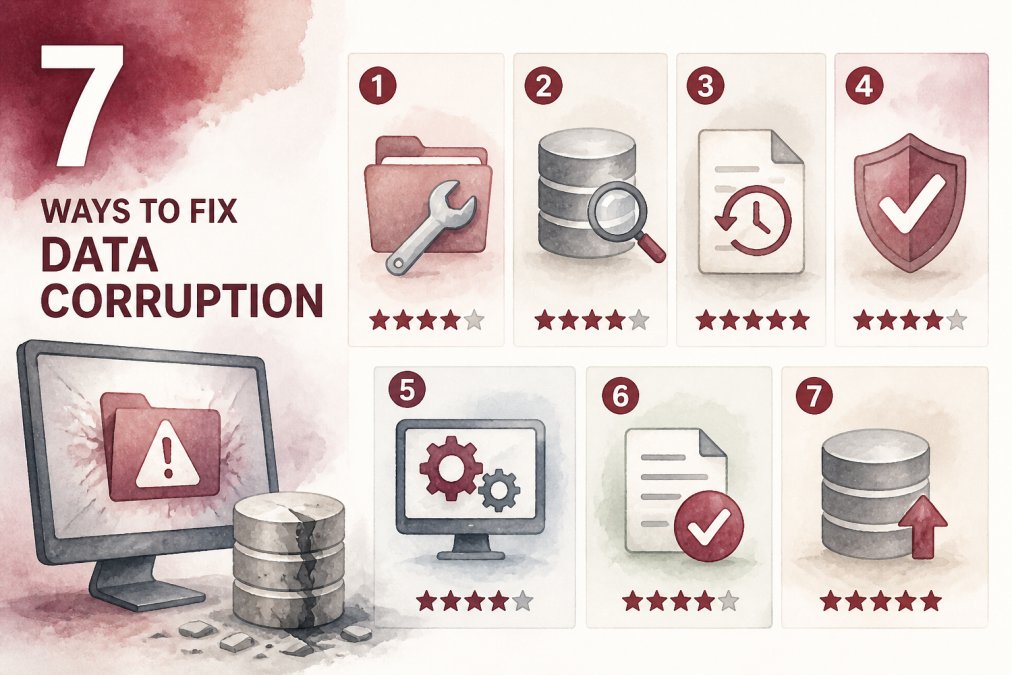
7 Ways to Fix QuickBooks Data Corruption
Table of Contents
- 1. Run the Verify and Rebuild Data Utilities
- 2. Use the QuickBooks File Doctor Tool for Network and File Issues
- 3. Restore from a Backup or Use a Professional Recovery Service
- Preventing QuickBooks Data Damage: Backup Best Practices and Maintenance
- Frequently Asked Questions
Last Updated: September 16, 2026
1. Run the Verify and Rebuild Data Utilities
QuickBooks data corruption is a company-file integrity problem, not user error, and Verify and Rebuild are the first line of repair. We walk clients through this sequence first.
Verify Data scans for structural errors and logs them but does not fix them. If damage appears, Rebuild Data repairs it and creates a backup first.
- Go to File > Utilities > Verify Data
- If errors appear, close the file and run Rebuild Data
- Re-run Verify Data to confirm the file is clean
2. Use the QuickBooks File Doctor Tool for Network and File Issues
The QuickBooks File Doctor tool is a free Intuit utility that diagnoses network problems and file damage Verify and Rebuild cannot reach. It ships inside the free QuickBooks Tool Hub.
Use File Doctor when the file opens slowly, throws a multi-user or network error, or will not open. Install the Tool Hub and launch File Doctor from the dashboard.
- Select Company File Issues > Run QuickBooks File Doctor
- Choose your company file and let the scan finish
- Retry opening the file in QuickBooks Desktop
3. Restore from a Backup or Use a Professional Recovery Service
When native utilities fail, restore from a known-good backup or hand the file to a professional recovery service.
Restoring is fastest and free, but you lose every transaction posted after the backup date. A recovery service preserves more of the file, but turnaround and pricing depend on file size and complexity.
If your file is messy at the accounting level, a bookkeeping cleanup addresses the underlying errors. We can help reconcile the file, correct historical entries, and rebuild your records so the corruption does not return.
Preventing QuickBooks Data Damage: Backup Best Practices and Maintenance
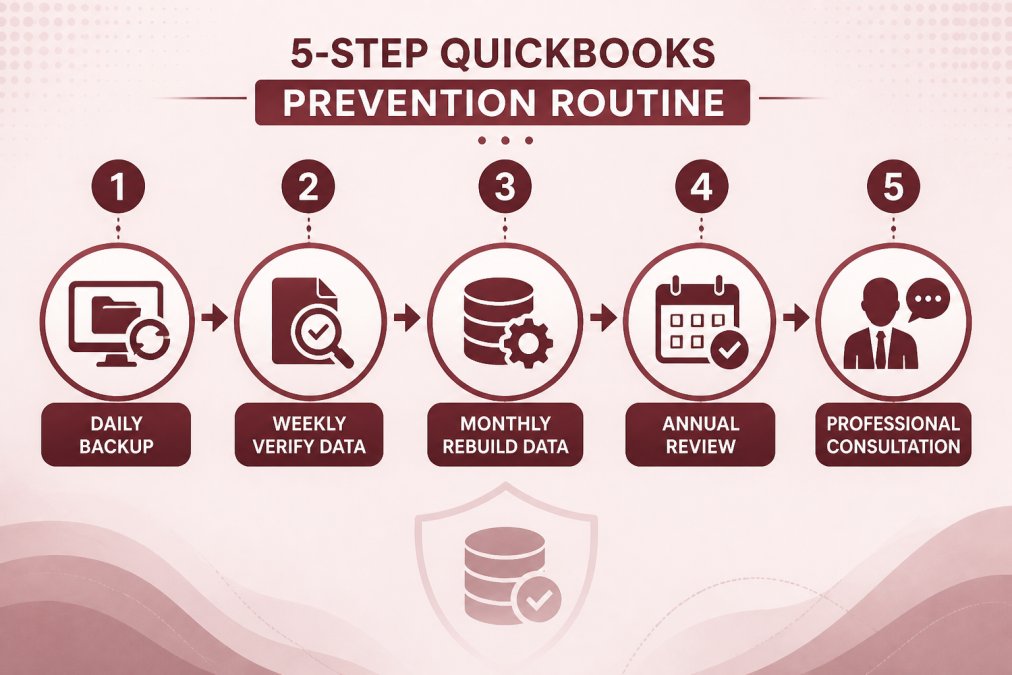
Prevention is cheaper than recovery. Schedule automatic backups off the machine running QuickBooks, keep three generations, and test a restore quarterly. Large files corrupt more often, so archive closed years to keep the working file lean.
If you need a bookkeeper to audit your QuickBooks file before damage spreads, a professional review catches inconsistencies native tools miss.
Frequently Asked Questions
How do I know if my QuickBooks company file is corrupted?
Common signs include error messages when opening or saving the file, missing transactions, inability to create invoices, or the file failing to open entirely. You can also run the Verify Data utility from the File menu to check for data integrity issues. If errors appear, your file may be corrupted and require repair.
Can I repair a corrupted QuickBooks file without losing data?
In many cases, yes. Native tools like Rebuild Data often fix corruption while preserving your data. However, severe corruption may require restoring from a backup or using professional recovery services, which could result in some data loss. Always back up your file before attempting any repair.
When should I contact a professional CPA for QuickBooks data issues?
If built-in tools like Verify, Rebuild, or File Doctor fail to resolve the issue, or if you suspect underlying accounting errors beyond simple corruption, a professional CPA can help. They can repair the file, reconcile accounts, and ensure your books are accurate for tax and compliance purposes.
QuickBooks data corruption rarely announces itself until a file will not open. Paldino Company CPA offers year-round tax help, small business accounting, and virtual CFO services to keep your books clean and your file healthy. Schedule an appointment with our team in Mamaroneck, NY, and get peace of mind that your records are accurate.